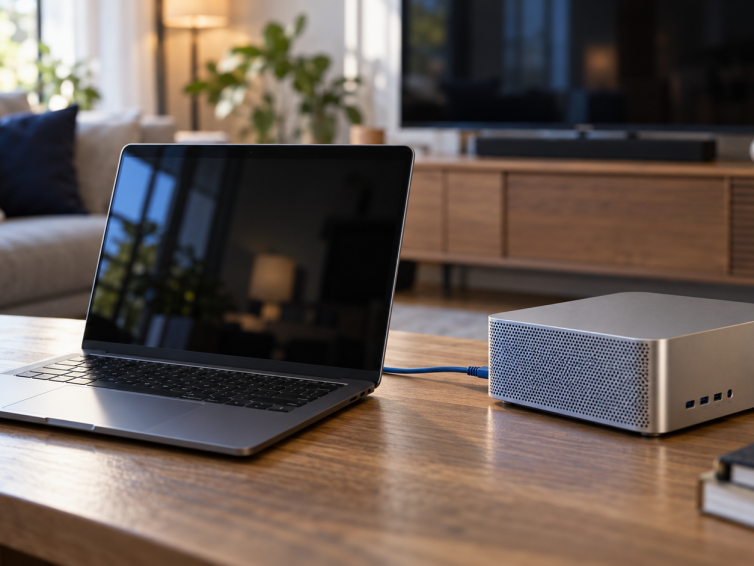
A preview of the new Eddy agent for Windows, Mac, Linux and Raspberry Pi and how it connects your entertainment devices without port forwarding.
A preview of the new Eddy agent for Windows, Mac, Linux and Raspberry Pi and how it connects your entertainment devices without port forwarding.
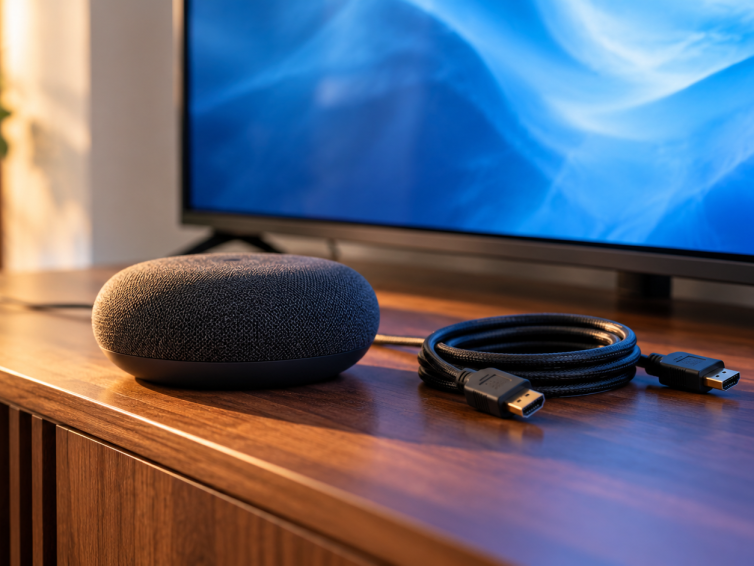
See how Eddy maps local on and off actions into Matter and what you need before testing a TV with Alexa or Google Home.
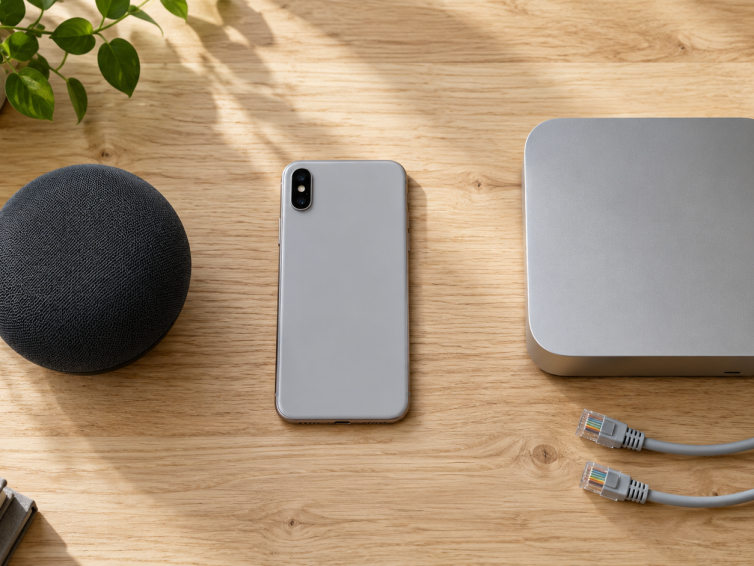
Compare the controls, apps, and equipment behind each connection before choosing a smart home integration.
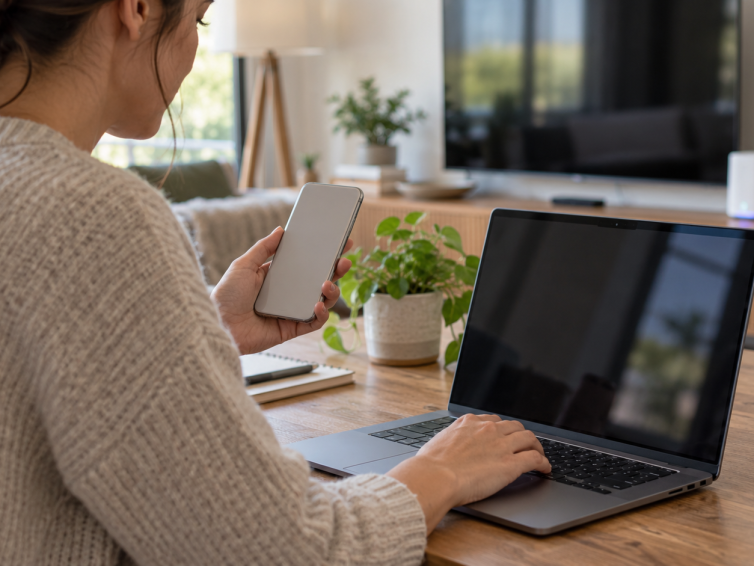
Link the new Eddy agent to your account with a short code, then discover controllers on your home network.
Use connection status and command traces to find where control stopped, then choose a sensible next step.
Plan a Watch TV activity that handles an already-on television, a slow receiver, and changes made with the original remote.
Start Eddy with one supported controller, choose the right local connection, and build an activity from commands you have tested.
Follow the original Raspberry Pi image workflow while keeping legacy setup, V2 agent pairing and Matter commissioning clearly separate.
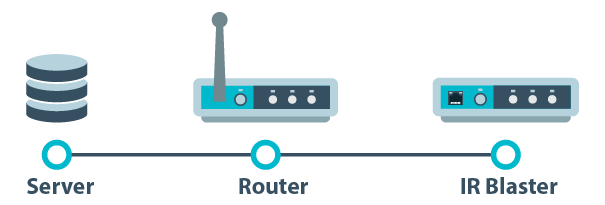
Understand the legacy port mapping examples, the limits of source filters, and why an outbound Eddy agent is the preferred connection for new setups.
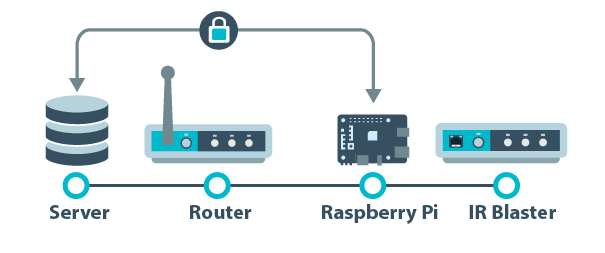
Learn how Eddy Bridge connects local entertainment equipment, what its secure cloud connection protects, and how the V2 agent differs from the original Pi image.
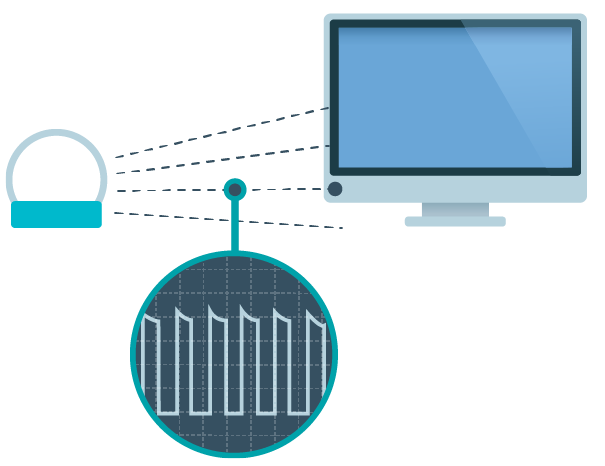
Learn what an IR blaster does, check emitter placement, and choose device commands that keep an entertainment activity predictable.
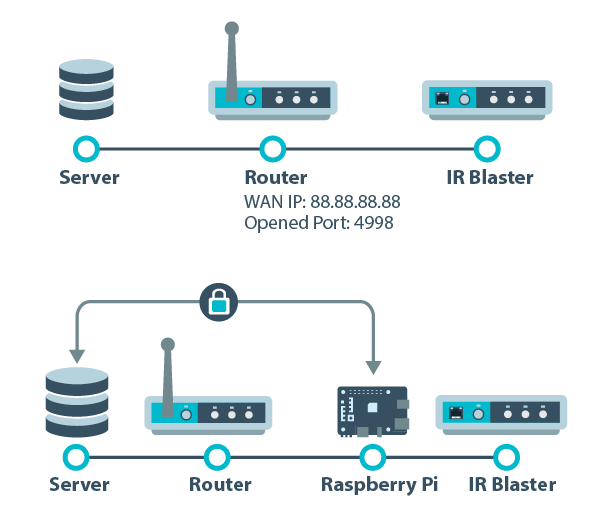
Compare an inbound router exception with the bridge and new agent approach, including availability, source filters and the limits of transport encryption.

Use one entertainment setup to understand the controller, device, button and activity concepts, with clear checks for legacy scene behavior.
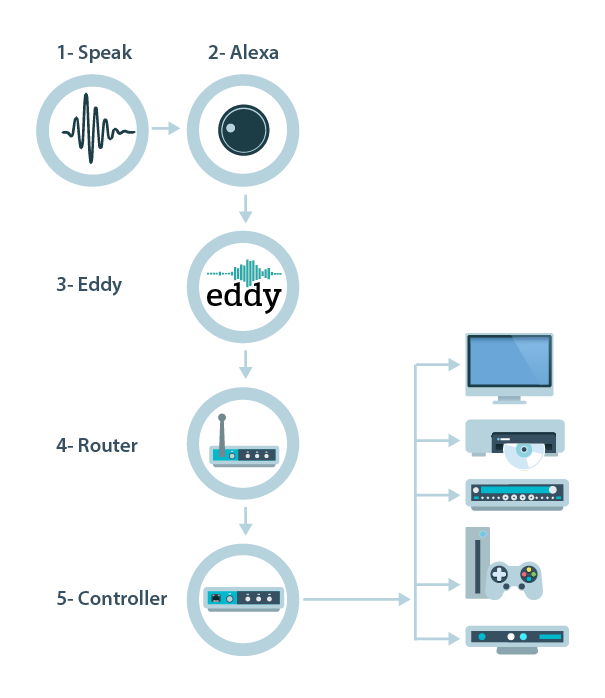
Follow the account, service and local-device parts of a voice command, and distinguish the legacy forwarding path from the new outbound agent and optional Matter path.
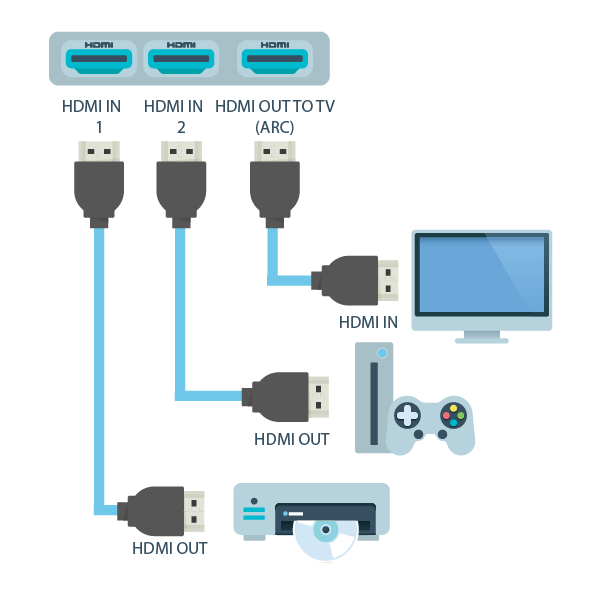
Read HDMI CEC source and destination addresses, distinguish Active Source from Request Active Source, and check the control path before using device commands.
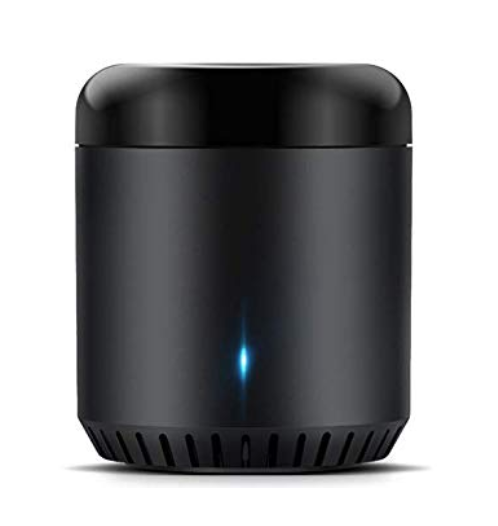
Connect a compatible Broadlink RM controller, learn one IR command, and confirm it works before building Eddy activities.
Compare infrared, HDMI-CEC and direct network control using the commands, hardware and feedback your actual equipment supports.
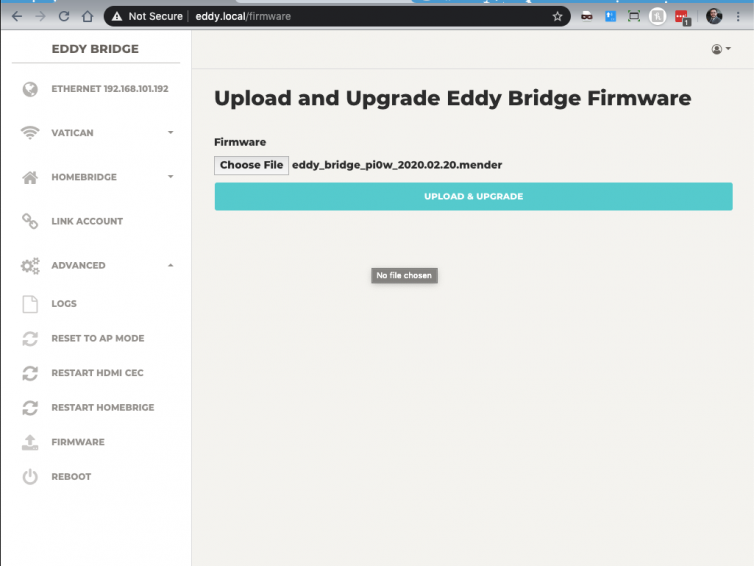
Identify your legacy Eddy Bridge version and Raspberry Pi model before using the earlier browser-based firmware update method.
Use Wake on LAN with the correct interface address, supported power state and local Eddy host, then verify the device is ready for its next command.
Choose a Raspberry Pi by software compatibility, reliable power, storage, networking, and the control hardware your Eddy setup actually needs.

Review the earlier Chromecast setup workflow, understand its command limits, and test playback control on your specific receiver and app.

Connect a compatible Global Caché controller to the legacy Eddy Bridge, select the correct output port, and test IR commands before building activities.
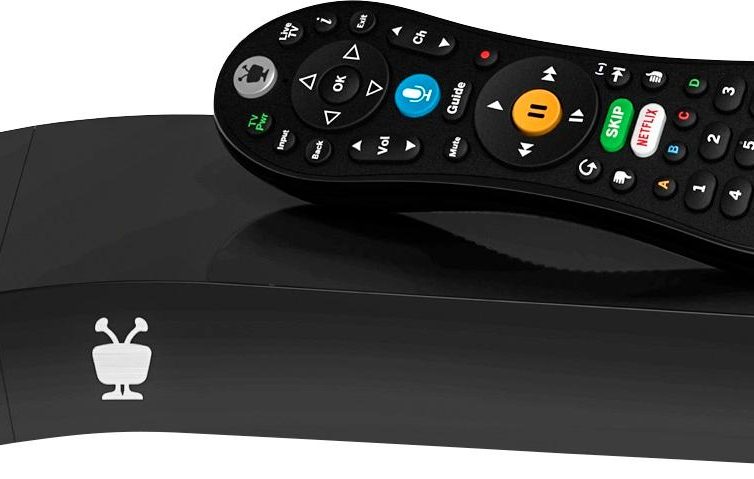
Enable supported TiVo network remote control, add the correct box in the legacy Eddy interface, and test navigation before creating activities.
What is a Broadlink RM controller? Broadlink is a manufacturer that uses IP Based Technology. They are known for making cheap IR Blasters. Basically Broadlink RM controllers convert a network…
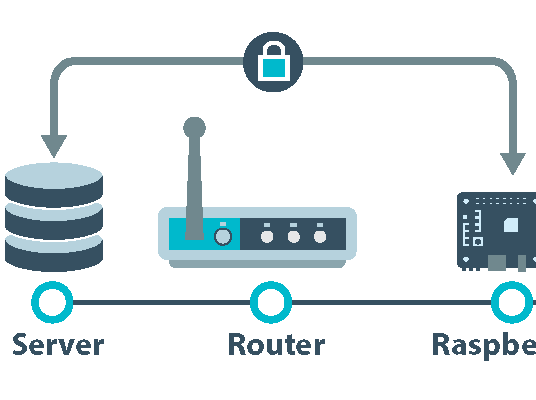
What is Eddy Bridge? It’s a piece of software that runs on a Raspberry Pi 3 or Raspberry Pi Zero W. The software allows your local devices to communicate with Eddy’s…