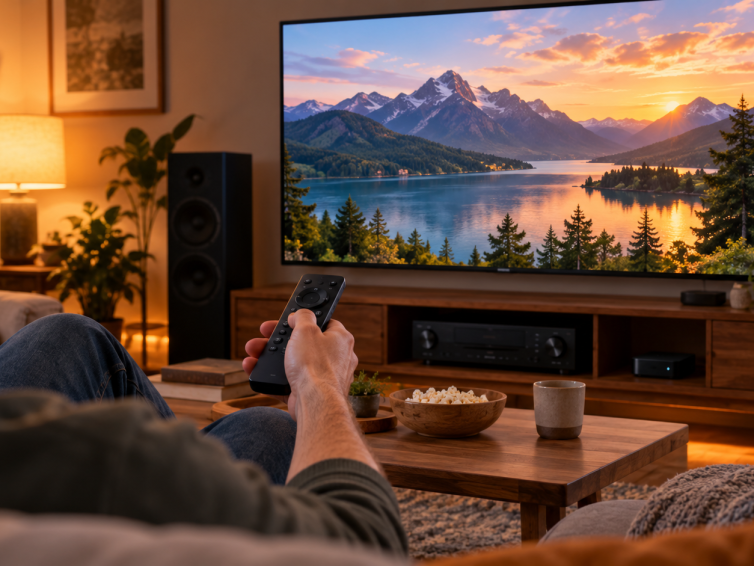
Plan a Watch TV activity that handles an already-on television, a slow receiver, and changes made with the original remote.
Plan a Watch TV activity that handles an already-on television, a slow receiver, and changes made with the original remote.
Start Eddy with one supported controller, choose the right local connection, and build an activity from commands you have tested.
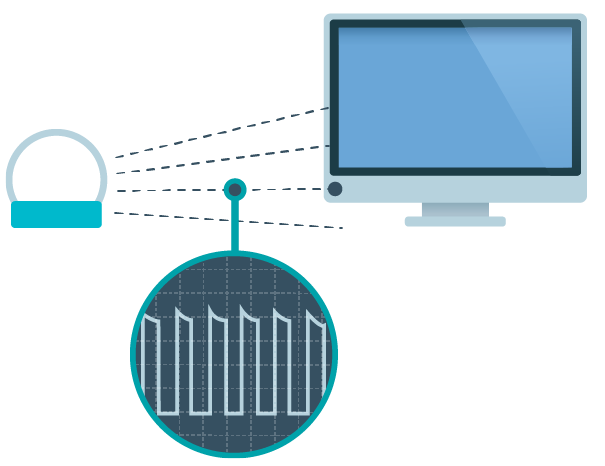
Learn what an IR blaster does, check emitter placement, and choose device commands that keep an entertainment activity predictable.

Use one entertainment setup to understand the controller, device, button and activity concepts, with clear checks for legacy scene behavior.
Use a trial to test your own devices, daily commands, and account settings before choosing an Eddy subscription.
Use Wake on LAN with the correct interface address, supported power state and local Eddy host, then verify the device is ready for its next command.
What’s a Controller? In Eddy Voice Remote, a controller is a physical device on your local network that is used for home entertainment purposes. Click here for a full list…