How IP-based device control works
IP-based control sends commands over a network instead of using the original handheld remote. Your controller needs the target’s network address and the protocol that particular device accepts. Being connected to Wi-Fi or Ethernet does not by itself mean a device has a usable remote-control API.
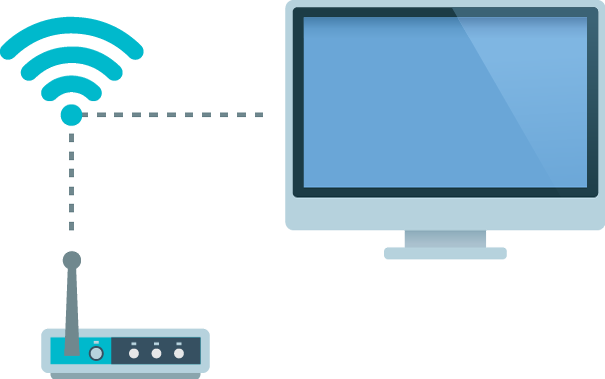
One network with several protocols
IP is the underlying addressing and routing layer. TCP and UDP carry different kinds of traffic above it. HTTP is an application protocol that commonly uses TCP; it is not a separate alternative to sockets. A socket is a software endpoint used for network communication.
For setup, the practical questions are simpler: which service accepts your command, on what port, using which message format, and with what permission or authentication? Use the manufacturer’s documentation for your model.
TCP and device-specific connections
Some controllers accept commands through a TCP connection. Eddy connects to the specified host and port and sends the command in the format the equipment expects. A TiVo control connection and a Global Caché command connection have different ports and message formats even though both use the network.
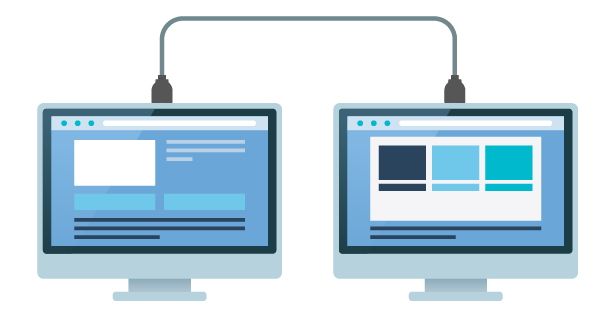
A connected socket does not mean every command is valid. Some services reply with a result; others accept a message without reporting the final visible state. Handle the device’s reply as its documentation specifies.
HTTP device APIs
An HTTP API defines requests using a method, a path and sometimes headers or a body. The method matters. A browser address bar normally sends a GET request, so typing a URL is not a complete way to test an action that requires POST or another method.
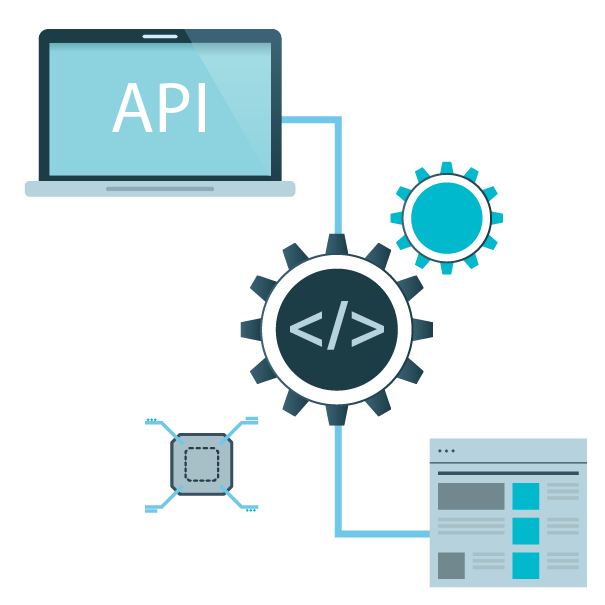
Not every HTTP control protocol is REST. Roku’s External Control Protocol uses defined HTTP requests, while other equipment can use SOAP or another format. Follow the actual API rather than assuming one manufacturer’s request will work on another. Roku’s ECP documentation is one example of a model-specific control reference.
HTTPS encrypts the connection when supported. Plain HTTP does not. Keep local device services on a trusted network and avoid exposing an unauthenticated control API directly through a router forward.
Wake on LAN and Android ADB
Wake on LAN sends a magic packet for a supported network interface. Its success depends on device settings, power state and the path to that interface. It is a wake mechanism, not a general remote-control API.
Android Debug Bridge has a client, a local server and a device daemon. It requires debugging to be enabled and the controlling computer authorized or paired as required by that Android version. It is not simply an unrestricted network socket. Use the official ADB instructions and the actual port displayed by the device; do not assume every device uses port 5555.
Check the local path before the cloud path
- Confirm the device’s exact model and supported network-control function.
- Enable any required network-control or network-standby option.
- Identify the correct LAN address and service, preferably with a stable address assignment.
- Keep the command sender on a network permitted to reach that service.
- Test one documented command and observe the equipment.
Guest Wi-Fi, VLAN rules and local firewall prompts can block control or discovery. An internet-facing router rule will not repair a local multicast discovery problem.
Where Eddy fits
Eddy Bridge sends configured commands from inside the home. The V2 agent project uses an outbound authenticated cloud connection, then reaches the equipment locally. It is a development preview, so implementation of a protocol is not a promise of public availability or compatibility with every model.
Choose a supported agent route for a new setup once its release is confirmed, then verify each command before building an activity. The IR, CEC and IP comparison can help if your device needs another control method.