Choose a Raspberry Pi for Eddy and Home Automation
Choose a Raspberry Pi that can run the exact Eddy software and control hardware you intend to use. The best choice depends on the operating system, package architecture, connected accessories and other services you plan to run. There is no single model that is automatically best for every home-automation setup.
The video and kit image below come from the 2020 guide and show the hardware available then. Their model recommendations, bundles and prices are not a current compatibility list or buying recommendation.
Start with the software generation
The earlier Eddy Bridge used model-specific Raspberry Pi images and firmware. Match those artifacts to their documented hardware rather than assuming a newer Pi can boot an older image.
The V2 cross-platform agent is separate development work with different packaging. A source build target is evidence that software can be built for an architecture; it does not establish a published installer, successful runtime testing, or compatibility with attached hardware. Check the release notes and tested platform list for the version you plan to install before buying a Pi for it.
Compare the practical requirements
| Requirement | What to check |
|---|---|
| Operating system and architecture | Match the supported OS and 32-bit or 64-bit package to the installed system, not just the processor’s capability. |
| Power | Use a supply with the voltage, current and connector specified for the exact Pi and its peripherals. |
| Storage | Allow enough space for the chosen OS, updates, configuration and any other services. Plan a way to back up important state. |
| Network | Choose a connection that is reliable where the Pi will live. Check Wi-Fi support, Ethernet availability and local device discovery. |
| Control hardware | Verify the actual HDMI-CEC adapter, IR controller, USB accessory or other device needed for your setup. |
| Other workloads | Leave resources for the services you will run alongside Eddy and check cooling and case requirements. |
Raspberry Pi’s official setup documentation provides model-specific power and boot-media guidance. Check those details against the complete kit contents; a low headline board price does not include every required accessory.
Check HDMI-CEC separately
If TV control through HDMI-CEC is your goal, verify a supported hardware and software path before selecting a computer. An HDMI connector alone does not establish CEC support. The computer, adapter where needed, cable connection and television settings must work together. Test power commands with the intended TV before relying on them in an activity.
Reuse suitable equipment before buying more
If you already own a Pi, identify its model, OS and available connections, then compare them with the requirements of the intended Eddy version. Test that setup before assuming you need a faster board. If you plan to add other services, evaluate their requirements too; processor speed alone does not resolve insufficient power, unreliable storage or blocked discovery.
Historical video and kit illustration
The following video comes from the original 2020 buying guide. Verify any advice about model support, stock, pricing or accessories against current manufacturer information and Eddy release documentation.
The kit illustration shows a historical bundle. Compare the contents of any current kit with your actual requirements.
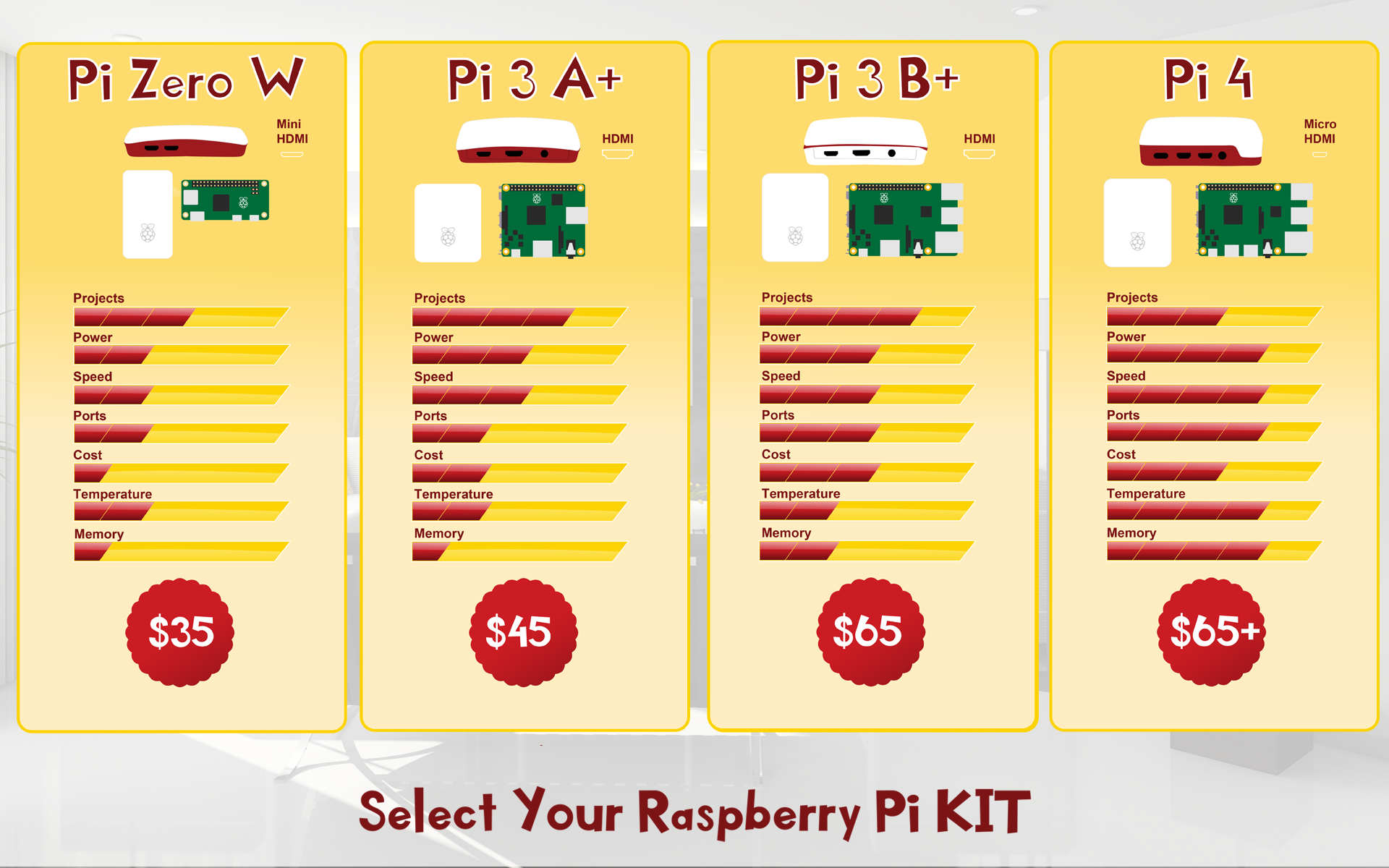
Historical Raspberry Pi kit illustration from the 2020 guide.
Before ordering, write down the exact Eddy version, supported OS and architecture, required control accessories, power supply and storage. Use that list to compare complete kits rather than choosing from an old price or model ranking.